Why This Migration Story Matters
Every CRM migration project sounds simple on paper: export data from the old system, import it into the new one, train the team. In practice, it's never that clean.
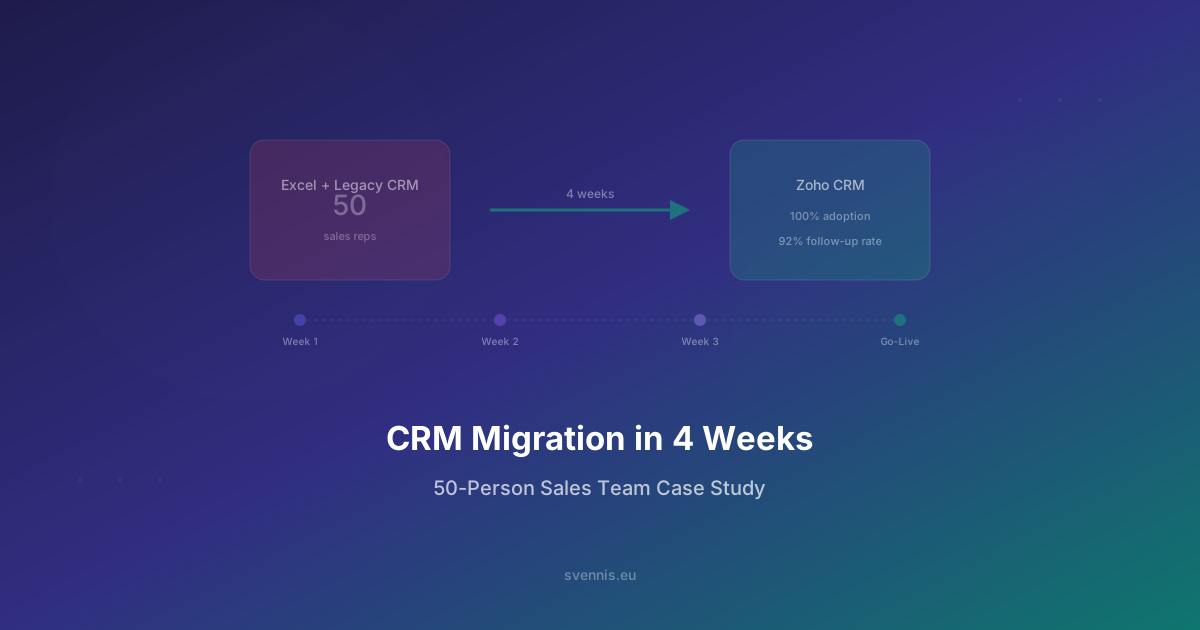
This is the story of how we migrated a 50-person sales team at a mid-size European manufacturing company from a combination of Excel spreadsheets and an outdated on-premise CRM to Zoho CRM Enterprise - in just 4 weeks from kickoff to go-live.
We're sharing this because most CRM migration guides are theoretical. This one is based on a real project, with real constraints, real mistakes we caught early, and real results we can measure.
At Svennis Cloud Solutions, we've completed over 200 CRM implementations since 2011 as a Zoho Premium Partner. This project is representative of the mid-market migrations we handle across Europe - complex enough to require expert guidance, but achievable in weeks rather than months.
The Starting Point: What We Were Working With
Before diving into the migration process, here's what the company looked like on day one:
- Team size: 50 sales reps across 3 European offices (Germany, Netherlands, Romania)
- Existing tools: A 12-year-old on-premise CRM that nobody trusted, plus 30+ individual Excel spreadsheets that reps maintained on their own
- Data volume: ~45,000 contacts, ~12,000 accounts, ~8,000 open deals scattered across systems
- Pain points: No single source of truth, duplicate records everywhere, zero pipeline visibility for management, reps spending 2+ hours/day on manual data entry
- Timeline pressure: Board wanted the new system live before Q2 planning - giving us exactly 4 weeks
The biggest challenge wasn't the data volume - it was the data quality. When 50 people maintain their own spreadsheets for years, you end up with inconsistent formats, duplicate entries, and outdated information mixed with current deals.
Week 1: Discovery, Data Audit & Architecture
We don't touch any configuration until we understand the business. Week 1 was entirely about listening, mapping, and planning.
Day 1-2: Stakeholder Interviews
We interviewed 8 people: the VP of Sales, 3 regional managers, 4 reps (selected to represent different working styles). Key questions:
- What does your actual sales process look like? Not the documented one - the real one. We mapped 6 pipeline stages that differed from the 4 they had on paper.
- What information do you need to see at a glance? This shaped our custom views and dashboards.
- What's the single biggest time-waster? Answer: manually copying deal information between spreadsheets and the old CRM.
Day 3-4: Data Audit
We exported everything - old CRM database, all 30+ spreadsheets - and ran a quality analysis. Findings:
- 38% duplicate contacts across systems
- 22% of email addresses were invalid or outdated
- No standardized company naming - "Siemens AG", "Siemens", "SIEMENS GmbH" were all separate accounts
- 12,000 deals but only ~3,000 were genuinely active
Day 5: Architecture Design
Based on discovery, we designed the Zoho CRM architecture: 6 pipeline stages, 14 custom fields, 3 automated workflows, role-based access for reps vs. managers, and a dashboard for the VP.
Week 2: Data Cleaning & CRM Configuration
This is where most migrations go wrong. Teams try to migrate dirty data and "clean it up later." That never happens.
Data Cleaning (3 days)
We used a combination of automated deduplication and manual review:
- Deduplication: Merged 45,000 contacts down to 29,000 unique records using email + phone matching
- Company standardization: Normalized all company names against official registry data
- Deal triage: Asked each regional manager to review their team's deals - 9,000 of 12,000 deals were archived as "lost" or "no longer relevant," leaving 3,000 active deals
- Email validation: Ran all email addresses through a validation service, flagged 6,400 as invalid
CRM Configuration (2 days)
With clean data definitions in hand, we configured Zoho CRM:
- Pipeline stages: Prospecting → Qualified → Proposal Sent → Negotiation → Verbal Commit → Closed Won/Lost
- Custom fields: Industry vertical, deal source, competitor mentioned, estimated close quarter
- Automation: Auto-assign leads by region, send follow-up reminders after 48 hours of inactivity, notify manager when deal exceeds €50K
- Dashboards: Pipeline by stage, pipeline by rep, monthly forecast vs. actual, regional comparison
The key insight: we configured Zoho CRM to match their actual sales process, not the other way around. When the tool fits how people already work, adoption becomes natural.
Week 3: Data Migration & Integration
With clean data and a configured CRM, migration day was anticlimactic - which is exactly how it should be.
Migration Process
- Accounts first: 4,200 companies imported with standardized names and industry tags
- Contacts second: 29,000 contacts linked to their parent accounts
- Deals third: 3,000 active deals with correct pipeline stages, values, and ownership
- Activities last: Meeting notes and call logs from the past 6 months (older history wasn't worth migrating)
Integration Setup
The company used SAP Business One for ERP. We built a custom integration using Zoho's API to:
- Sync customer master data between SAP and Zoho CRM (bidirectional)
- Push closed-won deals to SAP as sales orders automatically
- Pull invoice status from SAP into Zoho so reps could see payment history
We also connected their email (Microsoft 365) and calendar for automatic activity logging.
Validation
Before opening access to the team, we ran a validation checklist: spot-checked 200 random records against source data, verified all automations fired correctly, confirmed dashboard numbers matched known benchmarks.
Week 4: Training, Go-Live & Adoption
Training is where migrations succeed or fail. We don't do one-size-fits-all training - we run role-specific sessions.
Training Schedule
- Day 1 - Sales reps (3 groups of ~15): 90-minute hands-on session. Every rep logged in, found their accounts, updated a deal, logged a call. No slides - pure doing.
- Day 2 - Regional managers: 60-minute session on pipeline views, forecasting, team activity monitoring, and how to spot stalled deals.
- Day 3 - VP of Sales: 45-minute session on executive dashboards, monthly reporting, and export capabilities.
- Day 4 - Go-live: Old CRM access revoked. Zoho CRM is now the only system. We had 2 Svennis consultants available all day for real-time support.
- Day 5 - Follow-up: Addressed questions that came up during the first full day, fixed 3 minor field configurations based on feedback.
The "No Parallel Systems" Rule
This is critical: on go-live day, we turned off the old CRM. No "transition period" where people can use both systems. Running parallel systems guarantees that the new system never gets adopted - people always default to what's familiar.
A CRM migration isn't a technology project - it's a change management project. The technology is the easy part. Getting 50 people to change how they work every day is the real challenge.
Results: 90 Days After Go-Live
We checked in with the team 90 days after go-live. The numbers spoke for themselves:
- 100% CRM adoption: All 50 reps logging activities daily (vs. ~30% using the old system)
- Pipeline visibility: Management could see the full pipeline for the first time in the company's history
- 2 hours/day saved per rep: No more manual spreadsheet updates, no more copying data between systems
- Follow-up rate improved from 40% to 92%: Automated reminders meant no lead fell through the cracks
- Forecast accuracy improved by 35%: Real pipeline data replaced gut-feel estimates
- Zero data loss: Every record from the old system was accounted for
The VP of Sales told us: "For the first time, I can see what's actually happening across all three offices without waiting for someone to send me a spreadsheet."
Key Lessons for Your CRM Migration
If you're planning a CRM migration, here are the lessons that apply regardless of your company size:
- Clean before you migrate: Never import dirty data. The effort to clean first saves 10x the effort of fixing later.
- Map the real process, not the documented one: Talk to the people who actually use the system daily. Their workflow is what the CRM must support.
- Train by role, not by feature: A sales rep doesn't need to know about admin settings. A VP doesn't need to know how to log a call. Tailor the training.
- Kill the old system on day one: Parallel running is the enemy of adoption. Make the new CRM the only option.
- Budget for post-go-live support: The first 2 weeks after go-live generate 80% of all questions. Have experts available.
- Start with the minimum viable CRM: Don't try to build everything at once. Get the core pipeline working, then add automations and integrations iteratively.
Ready to migrate your team to Zoho CRM? Book a free strategy call and we'll assess your current system, estimate the timeline, and give you a realistic plan - no commitment required.