Why Spreadsheets Feel Safe but Cap Your Growth
Let's be honest: spreadsheets are comfortable. You know them. Your team knows them. They were free when you started. And for the first year or two of your business, they probably worked fine.
But here's what we've seen across 200+ CRM implementations since 2011: every company that eventually moves to a CRM says the same thing - "We should have done this two years ago."
The problem isn't that spreadsheets are bad tools. They're excellent - for accounting, for data analysis, for one-off calculations. But they were never designed to manage customer relationships, track sales pipelines, or coordinate a growing team.
When we helped World Class, a fitness chain with 47 clubs and over 300,000 members, migrate away from spreadsheet-based tracking, they discovered they'd been losing an estimated 15-20% of follow-up opportunities simply because data fell through the cracks between sheets, tabs, and email threads.
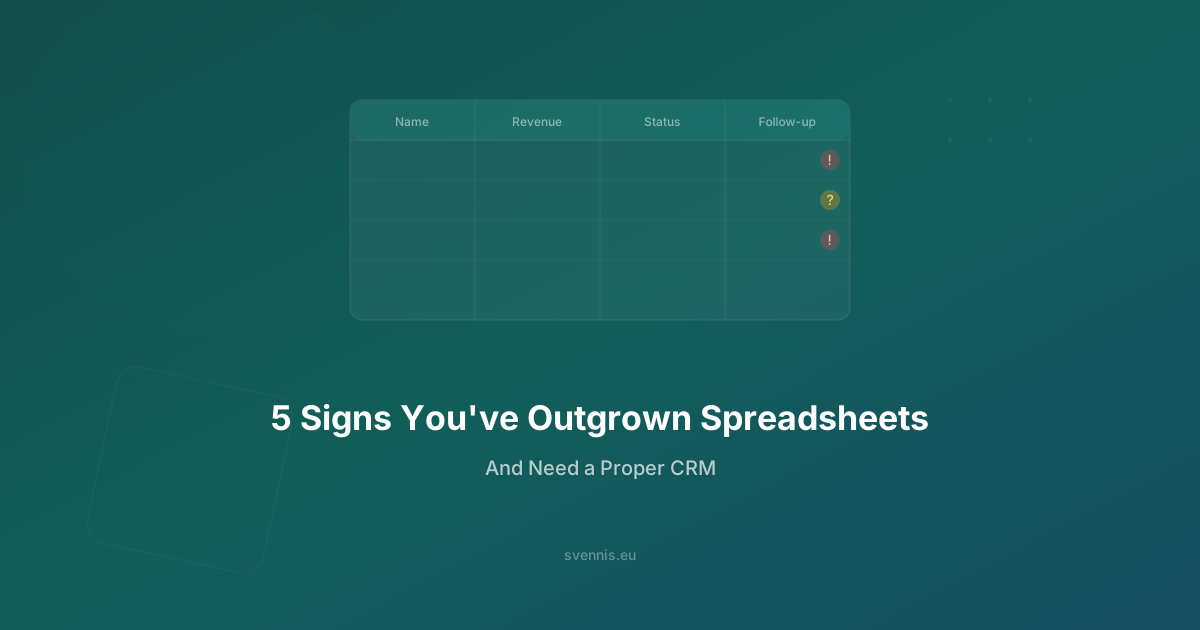
Here are the five warning signs we see most often - and what to do when you spot them.
Sign 1: Data Entry Errors Are Costing You Money
Open your sales spreadsheet right now and search for duplicate entries. If you have more than 50 contacts, we guarantee you'll find them - different spellings of the same company name, the same person entered twice with different phone numbers, leads marked as "new" that were actually contacted three months ago.
What This Looks Like in Practice
- Duplicate records: "Acme Corp", "ACME Corp.", "Acme Corporation" - three rows for one client. Your sales rep calls all three and looks unprofessional.
- Wrong numbers: Someone typed a phone number as 0044 instead of +44. Or entered €15,000 instead of €1,500. In a spreadsheet, there's nothing stopping this.
- Version conflicts: Sarah updated the sheet at 2:15 PM. Markus had an older copy open and saved his version at 2:20 PM. Sarah's updates are gone. Nobody notices for a week.
- Copy-paste disasters: A formula reference breaks when someone inserts a new row. Your "total pipeline value" is suddenly off by €50,000, but the number still looks plausible, so nobody catches it.
The Real Cost
Research from IBM estimates that bad data costs businesses $3.1 trillion per year in the US alone. For a 10-person sales team managing 500+ contacts in a spreadsheet, we typically see a 3-8% error rate in contact data. That means 15-40 contacts with wrong information - any one of which could be a lost deal.
How a CRM Fixes This
Zoho CRM enforces data validation rules at the field level. Phone numbers must match a format. Email addresses are validated. Duplicate detection runs automatically when a new record is created. And there's only one version of the truth - no copy-paste disasters, no version conflicts.
Sign 2: You Can't See Where Your Deals Are (or What's Stuck)
When your CEO asks "How much revenue are we closing this quarter?", how long does it take to answer? If the answer is "I need 30 minutes to update the spreadsheet first" - you've outgrown spreadsheets.
What This Looks Like in Practice
- No real pipeline view: You have rows with deal names and a "Status" column that says "In Progress" - but that tells you nothing about which stage each deal is at, how long it's been there, or what the next action should be.
- Stale data: Your spreadsheet says a deal is worth €25,000 and is "80% likely to close." But that entry was last updated three weeks ago. Is it still accurate? Nobody knows without asking the rep.
- No bottleneck detection: You have 30 deals in "Proposal Sent" and only 2 in "Negotiation." That's a massive bottleneck - but in a spreadsheet, you can't see it at a glance.
- Forecasting is guesswork: Your quarterly forecast is the sum of a column multiplied by probability percentages that your reps set based on gut feeling. It's not a forecast; it's wishful thinking.
The Real Cost
In our experience implementing CRM for companies like UPEX and Nissan's dealer network, the shift from spreadsheets to a proper pipeline view typically reveals 20-30% more stuck deals than the team realised existed. Those are deals that were sitting in the spreadsheet looking fine, but in reality had stalled weeks ago with no next action planned.
How a CRM Fixes This
Zoho CRM's Kanban pipeline view shows every deal as a card you can drag between stages. Color-coded alerts flag deals that haven't moved in X days. Blueprint enforces that reps can't move a deal to the next stage without completing required actions (like sending a proposal or scheduling a demo). And your quarterly forecast updates in real time, weighted by historical win rates - not gut feeling.
Sign 3: Follow-Ups Are Falling Through the Cracks
A lead fills out your contact form. Your sales rep sees it, makes a mental note, gets pulled into a meeting, and by the time they're free, the lead has gone cold. Sound familiar?
What This Looks Like in Practice
- No automated reminders: You rely on your reps to remember which prospects need a follow-up today. On a busy day, they forget. The prospect reaches out to your competitor instead.
- Lost leads: A promising enquiry comes in on Friday afternoon. It gets added to the spreadsheet, but nobody has a reminder set. By Monday, three other leads have arrived and the Friday lead is buried in row 247.
- "I thought you were handling that": Without clear ownership rules, leads slip between reps. Sarah thinks Markus is following up. Markus thinks Sarah has it covered. Nobody follows up.
- No visibility into response time: You have no idea whether your team responds to new leads in 5 minutes or 5 days. (Research shows that responding within 5 minutes makes you 21x more likely to qualify the lead compared to responding after 30 minutes.)
The Real Cost
According to a Harvard Business Review study, 71% of qualified leads are never followed up in companies without a CRM. Even if your team is better than average, we consistently see a 15-25% improvement in follow-up rates within the first month of CRM adoption across our European implementations.
How a CRM Fixes This
Zoho CRM's workflow automation can instantly assign new leads to the right rep based on territory, industry, or round-robin rules. Automated tasks are created with due dates. Escalation rules trigger if a lead hasn't been contacted within your SLA (e.g., 1 hour for hot leads). And every interaction - email, call, meeting - is logged automatically, so nothing falls through the cracks.
Sign 4: Your Reporting Takes Hours Instead of Seconds
If preparing your weekly sales report requires downloading a spreadsheet, cleaning data, building pivot tables, formatting charts, and emailing a PDF to management - you're doing in hours what a CRM does in seconds.
What This Looks Like in Practice
- Manual pivot tables: Every Monday morning, your sales manager spends 1-2 hours building the same pivot table to see last week's numbers. That's 50-100 hours per year on reporting alone.
- Outdated by the time it's shared: By the time the report reaches the leadership team on Tuesday, the data is already two days old. Decisions are made on stale information.
- No drill-down capability: The report says revenue is down 12% this month. But why? Which rep? Which product? Which territory? Finding out requires another round of pivot table building.
- Format fragility: Someone changes a column header and every formula in the report breaks. Your "automated" report isn't automated at all - it's held together with VLOOKUP prayers.
The Real Cost
A McKinsey study found that knowledge workers spend 19% of their time searching for and gathering information. For a sales manager earning €70,000/year, that's roughly €13,300 worth of time spent on activities that a CRM dashboard handles automatically. Multiply that across a team and the numbers are eye-opening.
How a CRM Fixes This
Zoho CRM comes with 300+ pre-built report templates and a drag-and-drop report builder for custom reports. Dashboards update in real time. You can drill down from a high-level metric to individual deals with a click. Scheduled reports are emailed automatically to stakeholders. And with Zoho Analytics integration, you can blend CRM data with data from your accounting, marketing, and support tools into unified business intelligence dashboards.
Sign 5: Team Collaboration Is Breaking Down
When your team was 3 people, everyone knew what everyone else was working on. At 8-10 people, that natural awareness disappears. If your spreadsheet is the only place where customer information lives, collaboration starts to break.
What This Looks Like in Practice
- Multiple people editing the same sheet: Google Sheets handles concurrent editing better than Excel, but you still get conflicting changes, accidentally overwritten notes, and the constant fear of breaking someone else's filters.
- Context lives in email, not the spreadsheet: The spreadsheet has a company name and a deal value, but the actual conversation history - the emails, the call notes, the proposal feedback - lives scattered across individual inboxes. When a rep is sick, nobody knows the context of their deals.
- No handoff process: When a lead moves from marketing to sales, or from inside sales to field sales, the "handoff" is a Slack message saying "Hey, can you follow up with Acme Corp?" with no context, no history, and no accountability.
- Customer experience suffers: A customer calls in. The person who picks up has to ask "Can you remind me what we discussed last time?" because the previous conversation notes are in a different rep's spreadsheet tab. The customer feels like a number, not a partner.
The Real Cost
When we implemented Zoho CRM for Salus Controls - integrating it with their SAP B1 system - one of the biggest wins wasn't the technology itself. It was that their sales and operations teams could finally see the complete customer picture in one place. Orders from SAP, conversations from CRM, support tickets from Desk. The time saved on internal "who knows what about this customer?" queries was worth more than the CRM license itself.
How a CRM Fixes This
Zoho CRM provides a 360-degree customer view - every email, call, meeting, deal, quote, invoice, and support ticket linked to a single contact record. Team members can @mention colleagues, leave internal notes, and tag deals for review. When someone is out of office, their colleagues can pick up any deal with full context. And with role-based permissions, you can control exactly who sees what - critical as your team grows past 10 people.
What to Do Next: Moving from Spreadsheets to CRM
If you recognised your business in three or more of these signs, it's time to make the move. But "time to move" doesn't mean "rush into the first CRM you find." Here's the approach we recommend based on 14+ years of helping businesses make this transition:
Step 1: Document What's Working
Your spreadsheets aren't all bad. Before you migrate, list the specific processes, fields, and views your team actually uses every day. This becomes your CRM requirements list.
Step 2: Clean Your Data
Don't migrate garbage. Deduplicate your contacts, remove inactive leads older than 12 months, and standardise your naming conventions. This single step saves weeks of post-migration cleanup.
Step 3: Choose the Right CRM for Your Size
For European businesses with 5-200 users, Zoho CRM consistently delivers the best balance of features, price, and GDPR compliance. At €14-52/user/month depending on the tier, it's a fraction of what Salesforce charges - and includes features that competitors sell as expensive add-ons.
Step 4: Get Expert Help
The difference between a CRM implementation that takes 3 weeks and one that drags on for 6 months is almost always the implementation partner. As a Zoho Premium Partner with over 200 implementations, Svennis Cloud Solutions has a proven migration process specifically designed for spreadsheet-to-CRM transitions.
Ready to make the move? Book a free strategy call and we'll assess your current setup, map your spreadsheet data to CRM fields, and give you a realistic timeline and budget. No commitment, no sales pressure - just 14 years of experience helping businesses like yours make this transition smoothly.